On this page
Short Answer
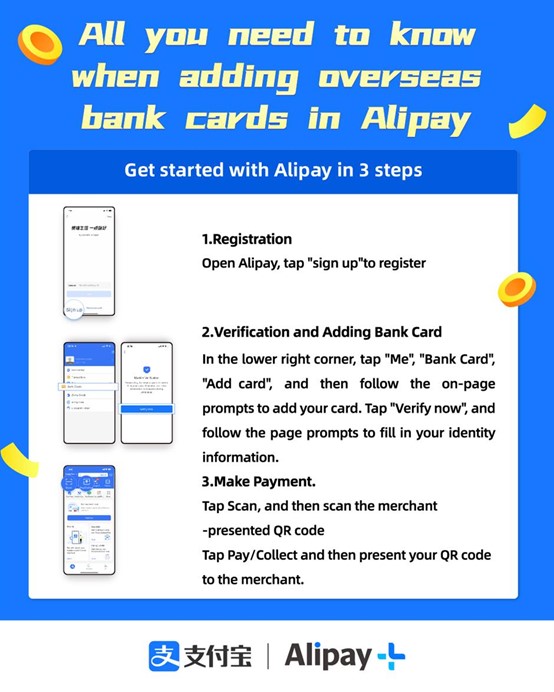
Use Alipay when you want one wallet ready for ordinary day-to-day checkout in China. It is especially useful when a merchant shows a QR code, when staff want to scan your payment code, and in many staffed counter or app checkout flows where overseas-card linking is supported; Shanghai guidance says visitors can link foreign bank cards in Alipay without a Chinese phone number. Finish setup before departure, learn the three counter directions, and keep WeChat Pay, another card, or small RMB cash ready for times when issuer approval, verification, limits, a personal collection code, an aggregated QR code, or merchant acceptance blocks the payment.
Alipay Runbook
Make Alipay your primary everyday wallet before you land.
China is mobile-payment first, and Alipay is one of the main day-to-day wallet paths for visitors. Set it up before departure, learn the three checkout directions, then keep WeChat Pay, another card, and RMB cash as backups.
Setup Steps
After installation, finish the setup checks before you rely on Alipay in China.
1. Register or sign in
Use contact details you can still verify during travel.
Register or sign in before departure with a reachable phone number and email. Shanghai guidance says recent Alipay updates removed the need to create a prepaid account or have a Chinese phone number, but account and issuer prompts still require reachable verification channels.
2. Verify and link a card
Use Me, Bank Cards, then Add card.
Follow the on-screen prompts to add an eligible overseas card, then complete card, identity, SMS, 3-D Secure, or banking-app approval checks. Keep a second eligible card ready because card-network support does not guarantee issuer approval.
3. Prepare fallback paths
Keep verification, data, and backups ready.
Before you rely on Alipay, make sure mobile data, SMS or bank-app approval, 3-D Secure, WeChat Pay, another card, and small RMB cash are ready. Your first live payment should happen after landing at a staffed low-value counter where you can switch paths quickly.
Official Setup Aids
Official setup aids for install, version check, and card linking
Use these visible aids while you complete the setup steps above. They are action support, not a second checklist.
iPhone
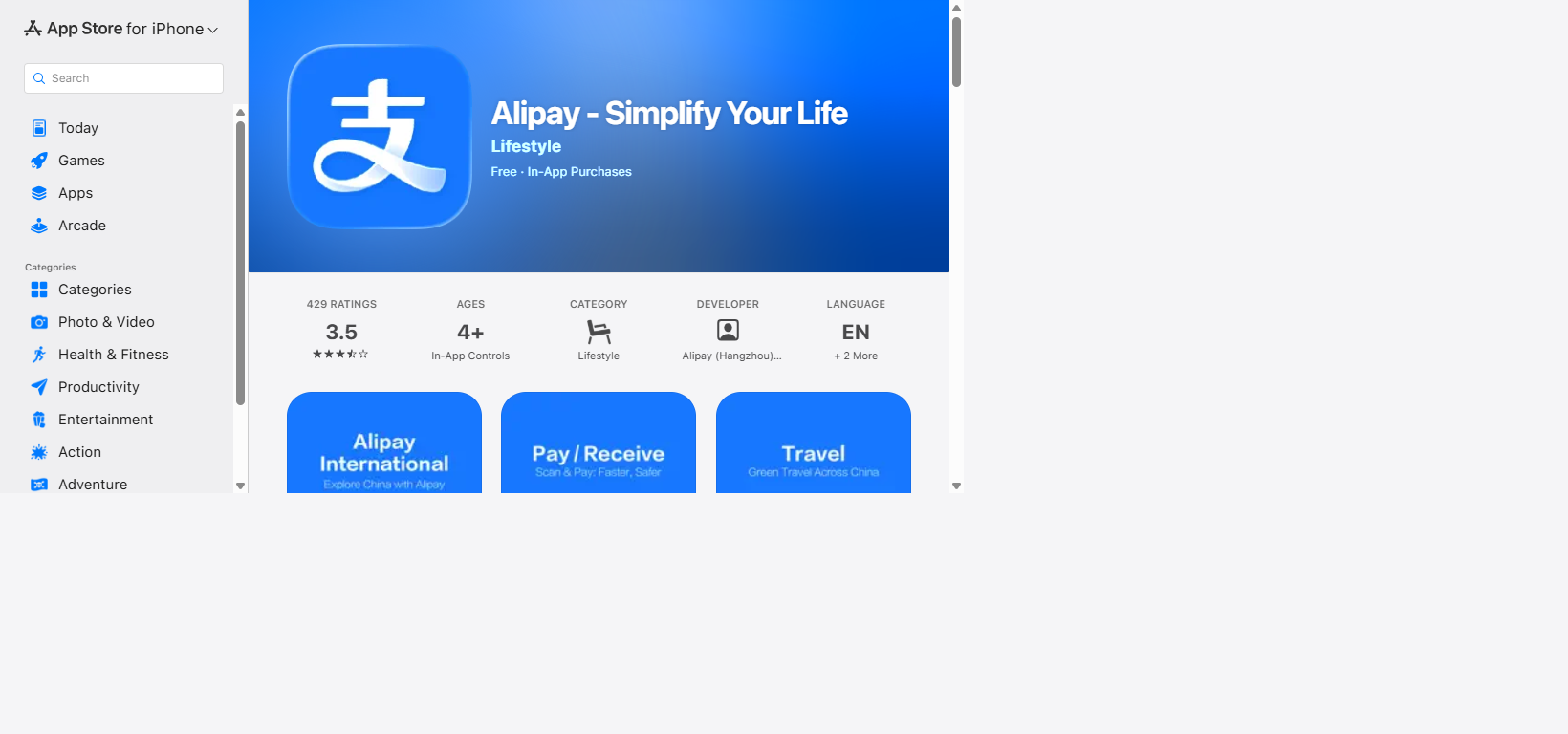
Install Alipay from the Apple App Store.
Use the App Store listing for Alipay - Simplify Your Life and check the app name, icon, and developer before you install or update.
Android
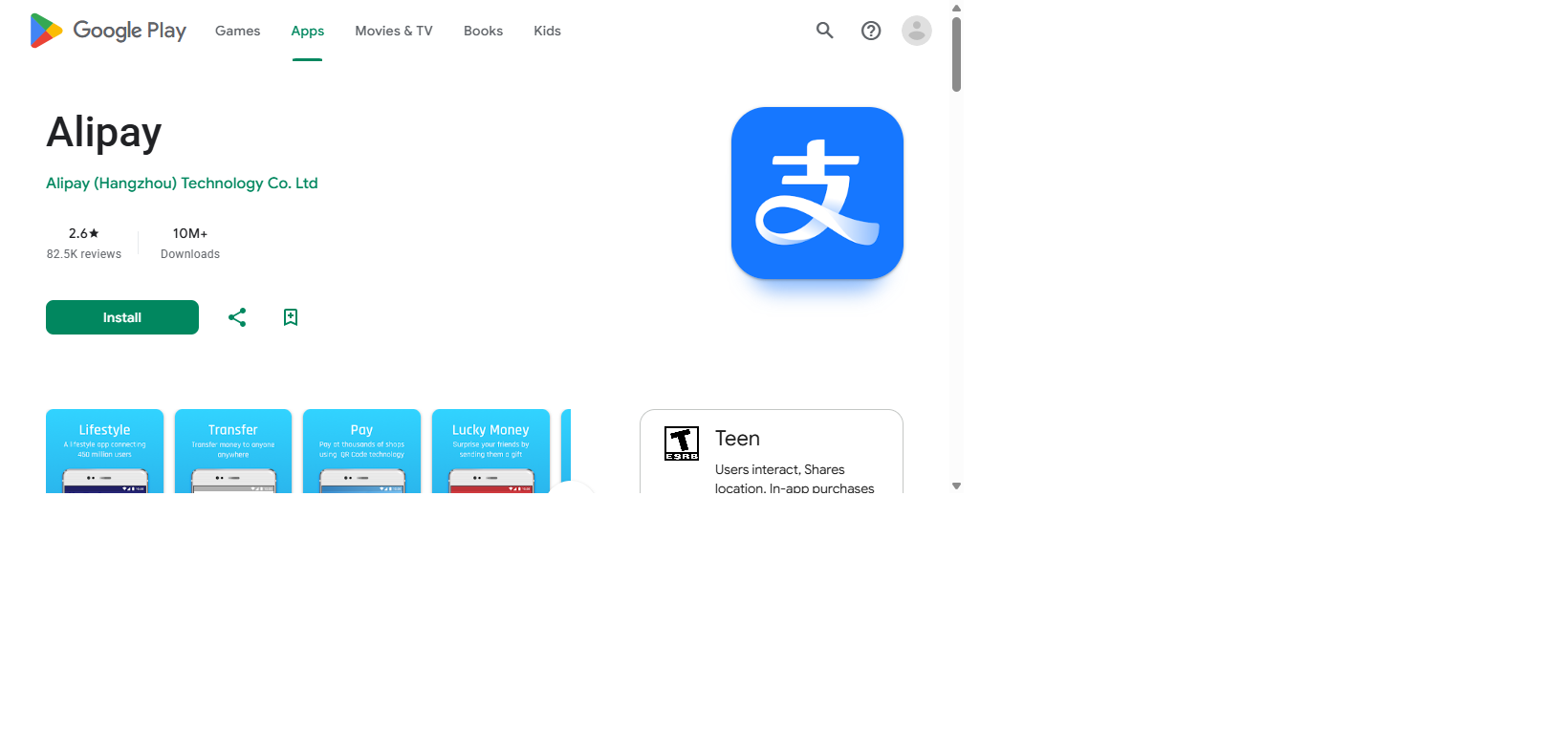
Install Alipay from Google Play where available.
Use the Google Play listing for package com.eg.android.AlipayGphone. If Google Play is not available for your device, use Alipay's official download page instead of APK mirrors.
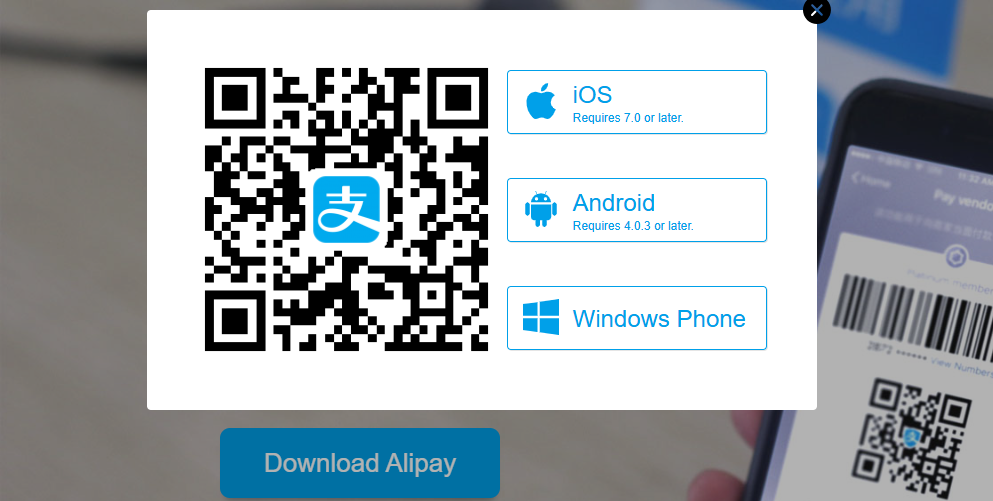
Use this page when app-store access is confusing. Match the Alipay logo and platform choices before installing, and avoid search ads or third-party APK mirrors.
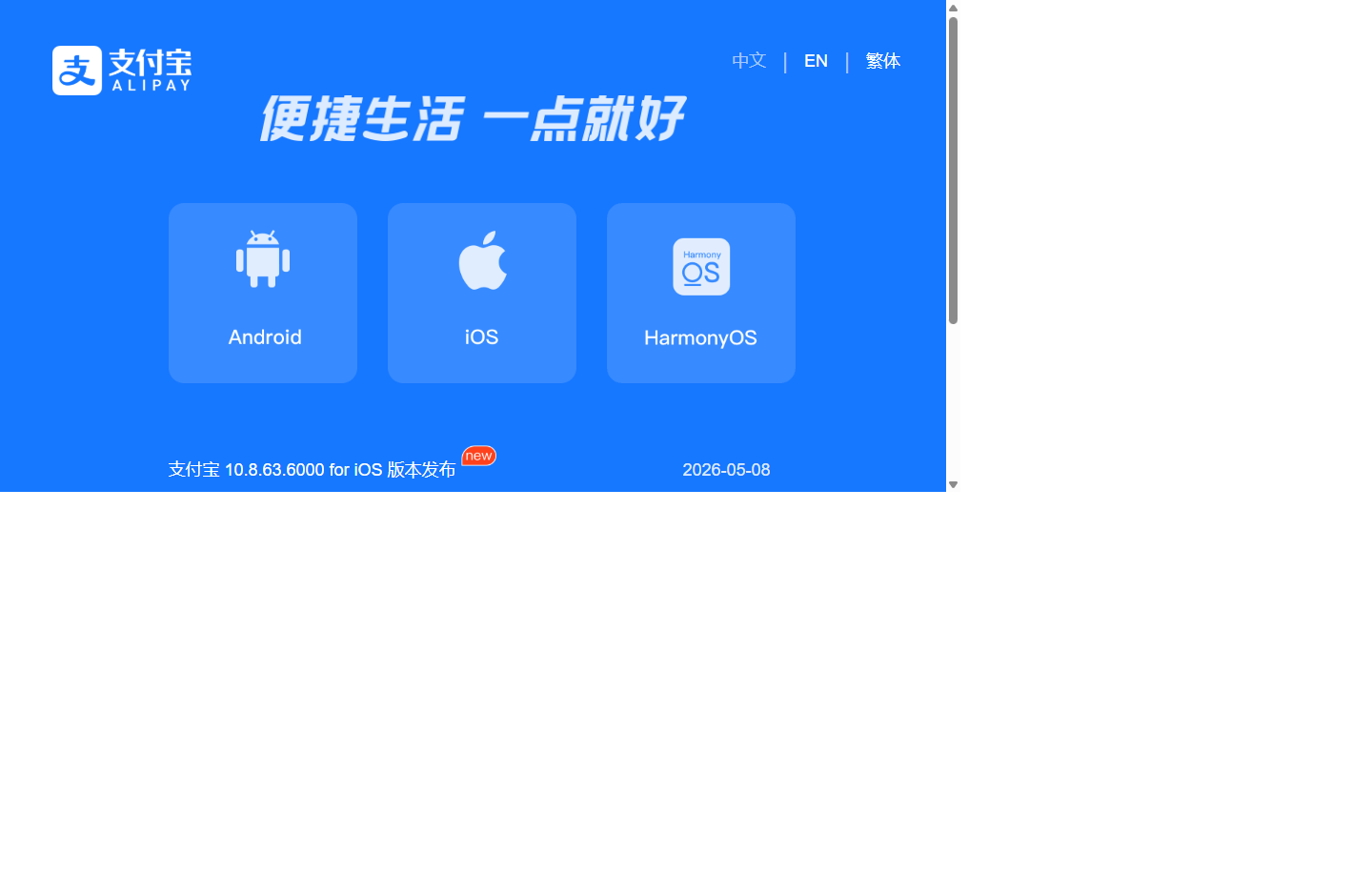
Use this page when prompts, screenshots, or an Android package look different. If a third-party download claims a newer or different build than the official version page, stop and use an official route.
At The Counter
Pick the matching payment flow.
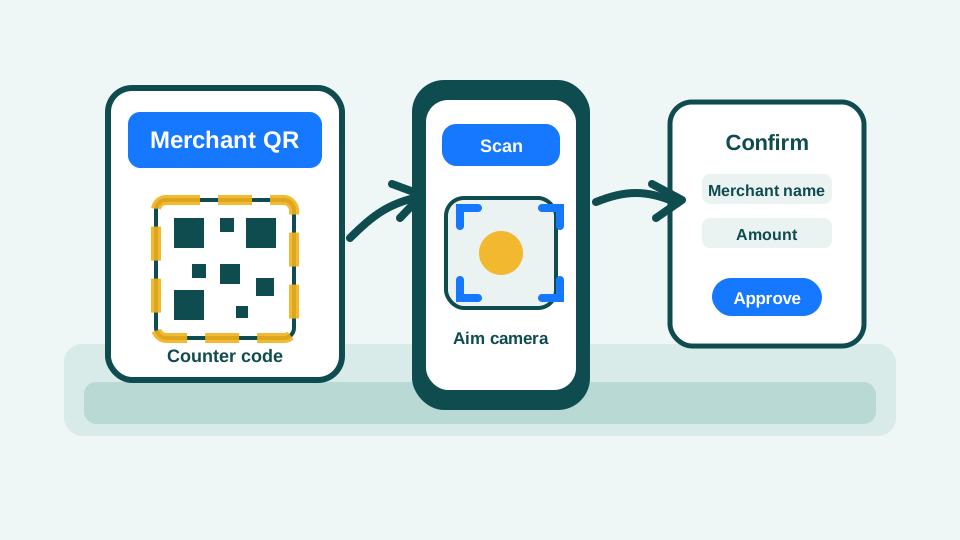
Scan their code
Use Scan when the merchant shows you a QR code.
Open Alipay, tap Scan on the home screen, point the camera at the merchant QR code on a counter, table sticker, screen, taxi, or printed sign, then check the merchant name and amount before approving.
Show the counter checklist
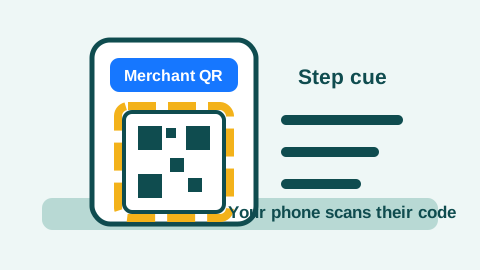
Choose this flow when the merchant presents a QR code. Step 1Find their QR code.This is the flow where your phone camera reads the merchant code. Do not open your own payment code for this direction.
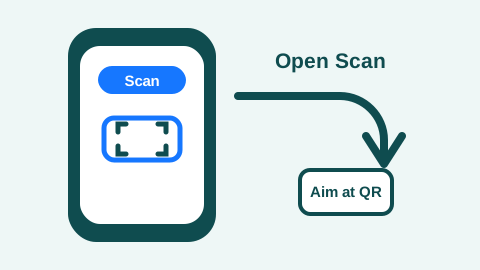
Your camera reads their code; do not open your own payment code here. Step 2Open Scan.If your app layout differs, look for the scan-frame icon near the top of the Alipay home screen.
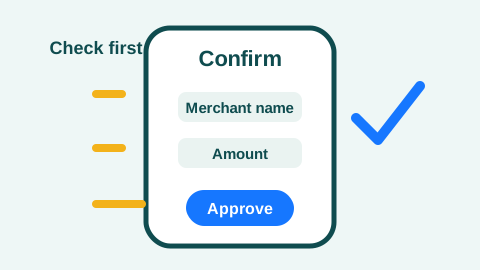
Approve only after the merchant and amount match the purchase. Step 3Check merchant and amount.If the page looks wrong, asks for sensitive details, or says the merchant/card type is unsupported, stop and ask for another payment path.
Let staff scan yours
Use Pay/Collect when the cashier has a scanner.
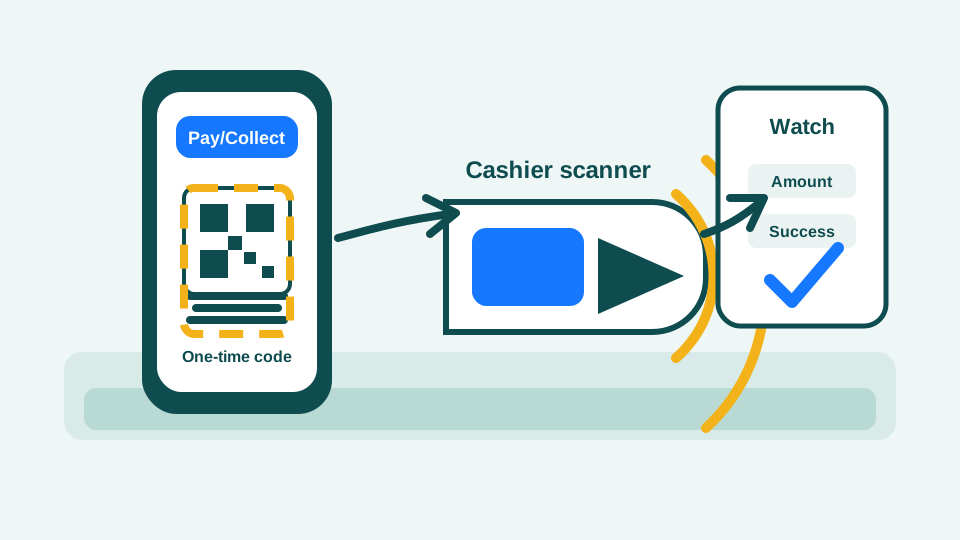
Tap Pay/Collect on the Alipay home screen and show the one-time barcode or QR code only when the cashier asks. Face the screen toward the scanner, watch the amount, then put the phone away after payment.
Show the counter checklist
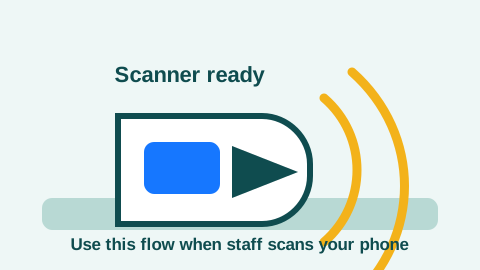
Choose this flow only when staff is ready to scan your phone. Step 1Look for the cashier scanner.This is the flow where you present a one-time payment code. Do not show it early or leave it open after payment.
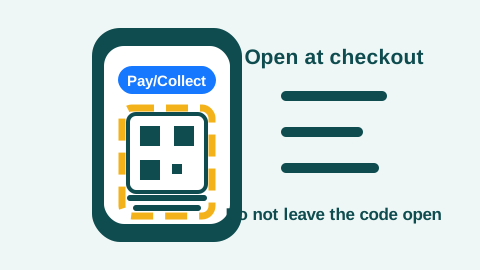
Open the code only when the scanner is ready. Step 2Open Pay/Collect at checkout.Keep the screen visible only long enough for the cashier scanner to read the barcode or QR code.
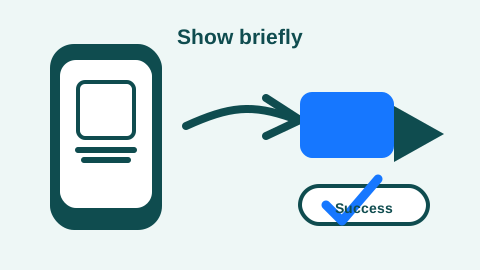
Show the code briefly, watch for success, then close it. Step 3Show the code, then close it.If the scanner or page rejects the payment, step aside and switch to Scan, another card, WeChat Pay, staffed help, or cash.
Tap equipment
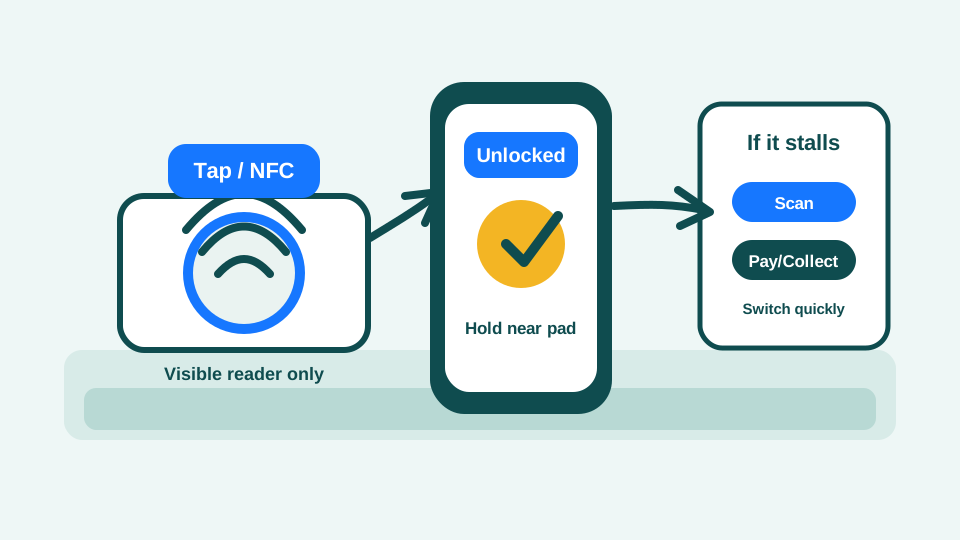
Use Alipay Tap! only where a Tap! terminal or tag is visible.
When you see Alipay Tap!, NFC, or a round tap pad, unlock your phone and follow the merchant or Alipay prompt to touch the phone to the reader. If the reader does not react quickly, switch to Scan or Pay/Collect.
Show the counter checklist
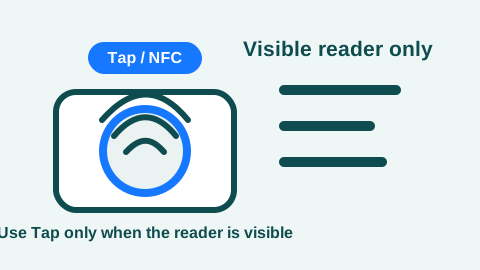
Use Tap only when a supported reader is clearly visible. Step 1Look for a Tap! reader.Do not assume every Alipay merchant supports Tap. If you do not see a supported reader, use Scan or Pay/Collect instead.
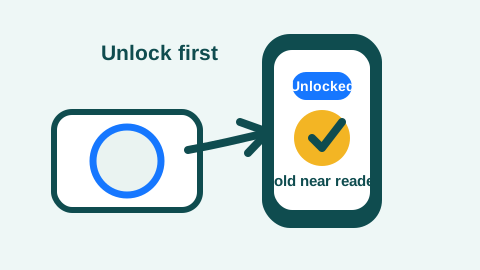
Unlock first, then hold the phone near the reader. Step 2Unlock and hold near the reader.Follow any Alipay or merchant-device prompt. Keep the phone steady briefly, then move on if nothing happens.
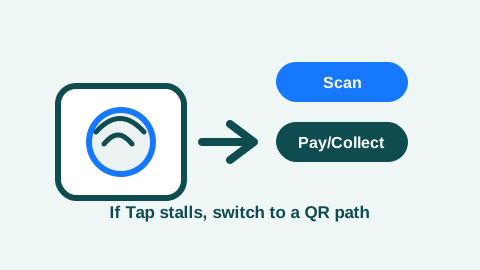
If Tap stalls, switch to a QR path instead of retrying in line. Step 3Switch to Scan or Pay/Collect.Do not keep tapping while a line builds. A supported QR path is usually faster to recover.
Official Counter Reference
Use source visuals where the checkout decision happens.
These links explain the action at the counter. They still do not guarantee your account, card, issuer, or merchant flow will approve.
Use this official page to recognize the Alipay+ mark at checkout and the two basic counter directions: present your payment code to be scanned, or scan the merchant code and confirm the amount.
If It Fails
Step aside, then switch the payment path.
- Check data first, then close and reopen Alipay once before retrying.
- Look for identity, passport, card, risk-control, or account-security prompts inside the app.
- Open your bank app for 3-D Secure, fraud, overseas, or wallet-tokenization approval.
- If the failure appears only with one merchant QR code, ask for a different checkout direction or payment path before changing your account settings.
- Try a smaller amount or another linked card only once or twice, then switch to WeChat Pay, a staff counter, physical card, or RMB cash. If the merchant does not support credit-card-funded wallet payments, use a debit card or another backup.
Role and BoundaryWhere this wallet helps, and what it still cannot guarantee
Why It Matters
Alipay is part of everyday payment in China.
Use it as a main payment path for ordinary counters, QR payments, some transport or taxi flows, hotel and attraction payments, and app or mini-program checkout where supported.
What It Helps With
It turns many cash-or-card moments into mobile checkout.
Alipay can help with restaurants, cafes, convenience stores, supermarkets, taxis, travel services, and staffed counters when your account, card, issuer, data, and merchant flow all approve.
Boundary
A linked card is not a guaranteed transaction.
Issuer approval, identity checks, limits, risk controls, data access, and whether a merchant accepts credit-card-funded wallet payments can still block a purchase.
Useful For
- Dining
- Convenience stores
- Transport QR flows
- Hotels
- Supermarkets
- Mini programs
- Some ride-hailing and travel services
ReferencePayment test boundary, limits, support, and official sources
Payment Test
Do not send a test payment, donation, or non-refundable tip to chinatripready.
Do not use a personal, developer, or donation QR code to test Alipay before travel. It creates payment-collection, refund, dispute, support, fraud, tax/accounting, and trust risks. Test at a staffed low-value merchant after arrival instead.
FeedbackDid this wallet runbook miss a setup step or failure path?Send a source, clarity, mobile layout, copy/save, or missing-case note without adding private travel or payment details.
Reference
Use these only when you need to verify or go deeper.
Source confidence and limits
Public-source verified. Reviewed against the listed government, platform, app-store, Alipay official, Alipay+, Ant Group, and People's Bank of China sources for visitor payment setup, device-specific download entrances, official download and version checks, registration and login guidance, overseas-card linking, QR payment paths, merchant-presented QR concepts, personal and merchant collection-code boundaries, Alipay Tap!, supported payment scenarios, limits, and backup options. The page uses official Alipay download/version screenshots, Shanghai Municipal Government visual guidance for registration and card linking, Alipay+ counter-flow guidance, and Ant Group imagery for checkout-mode references. The guidance is useful for preparation but should not be treated as a guarantee that one card, app version, issuer, funding source, QR code, or merchant scenario will work.
What still needs re-checking
- This guide includes current App Store, Google Play, official Alipay web-page screenshots, Shanghai Municipal Government visual setup screenshots, and Ant Group checkout-mode images, but it does not include chinatripready-owned masked in-app setup screenshots.
- This guide does not include a recent failed-payment screenshot or issuer-decline test record.
- This guide explains personal-code, merchant-code, and aggregated-code failure patterns from public sources and traveler reports, but it does not certify any individual merchant QR code as safe or accepted.
- This guide does not include a card-network-by-country success matrix.
FAQ
Yes. Account setup, card linking, identity checks, and issuer verification are easier before travel.
Official English sources name major networks across Alipay guidance, including Visa, Mastercard, JCB, Diners Club, and Discover depending on the source and app flow. The current app prompt, issuer approval, card status, and merchant scenario still decide whether your payment works.
Shanghai government guidance says recent Alipay updates removed the need to create a prepaid account or have a Chinese phone number. You should still use contact details you can access abroad because account security, card issuer checks, SMS, email, or banking-app prompts can still appear.
Use Shanghai Municipal Government's Alipay card-linking guide in the source list. It includes official visual screenshots for linking overseas bank cards. Treat those screenshots as a reference because app wording, version, language, and account status can still change.
Often yes, and government guidance uses Alipay as an example for QR-based transport payment. Still check the exact city or transport network, and keep Chinese addresses, WeChat Pay, and cash ready for arrival-day failures.
No. chinatripready should not provide a developer or personal collection QR code for test payments. Calling it a donation or non-refundable tip does not remove the payment-collection, refund, dispute, anti-fraud, tax/accounting, consumer-protection, impersonation, support, personal-account exposure, and trust risks. It is serious enough that it should not become a revenue source for the product. Use a staffed low-value merchant after arrival instead.
Use the counter setup to choose. If you see the merchant's QR code on paper, a stand, a screen, or a taxi payment page, tap Scan and scan their code. If the cashier has a handheld or counter scanner, tap Pay/Collect and show your one-time code only when they ask. If you see Alipay Tap!, NFC, or a Tap! Tag reader, unlock your phone and tap the supported equipment. If one flow fails, ask for another flow or switch payment methods.
The blocker may be that specific merchant path rather than your whole Alipay account. Some small merchants use personal collection codes, merchant settings, third-party/aggregated QR codes, or card rules that do not accept overseas-card-funded or credit-card-funded payments. Ask for another checkout direction, try a debit card or another linked card, switch to WeChat Pay, use a physical card, or pay small RMB cash if the purchase is urgent.
Not automatically. Many merchants use third-party or aggregated acquiring codes. Use the Alipay payment page to check the merchant name, amount, and normal confirmation flow. If the page asks for passport numbers, card security details, SMS codes, passwords, or does not match the purchase, stop and ask for another payment path.
Check data, app verification prompts, issuer blocks, limits, and merchant acceptance. Then switch to WeChat Pay, another card, staffed payment, or RMB cash if the purchase is urgent.
Beijing official payment guidance lists Alipay English Service Hotline +86-571 2688 600. Save it before travel, but do not rely on hotline support during an urgent taxi or checkout queue.
Backup planning links
Sources
- Alipay - Download Alipay checked 2026-05-16
- Apple App Store - Alipay - Simplify Your Life checked 2026-05-10
- Google Play - Alipay checked 2026-05-10
- Alipay - official app version release page checked 2026-05-16
- Alipay+ - Pay with Alipay or your home e-wallets in the Chinese mainland checked 2026-05-17
- Alipay+ Docs - Merchant-presented mode code-scanning payment standards checked 2026-05-17
- Alipay+ Docs - Merchant-presented mode entry code integration checked 2026-05-17
- Beijing Municipal Government - Payment Services for New Arrivals checked 2026-05-16
- Shanghai Municipal Government - visual guide to linking international bank cards to Alipay checked 2026-05-16
- Beijing Municipal Government - overseas bank cards accepted by Weixin Pay and Alipay checked 2026-05-16
- Ant Group - Alipay Sees Tap! Users Pass 100 Million checked 2026-05-10
- China Embassy in the UK - convenient payment services for foreign visitors checked 2026-05-16
- People's Bank of China - explanation of payment acceptance terminal and collection code rules checked 2026-05-17