On this page
Short Answer
Set up WeChat Pay before you need it because it is not only a backup wallet. Tencent says card-linked Weixin Pay gives overseas users access to tens of millions of merchants, including small and medium-sized merchants and street vendors, and WeChat is also tied to messages, mini programs, ride-hailing, tours, and local services. Treat WeChat Pay as your second everyday payment path alongside Alipay, then keep another card and small RMB cash ready if one wallet, issuer, or merchant flow fails.
WeChat Pay Runbook
Make WeChat Pay a real second wallet before you need it.
WeChat Pay is useful because payment, messages, mini programs, ride-hailing, tours, and local services often sit close together. Make the wallet usable before arrival, but keep Alipay, another card, and RMB cash ready.
Setup Steps
Follow the same official sequence before you depend on WeChat Pay in a queue.
1. Install and sign in
Keep account verification reachable.
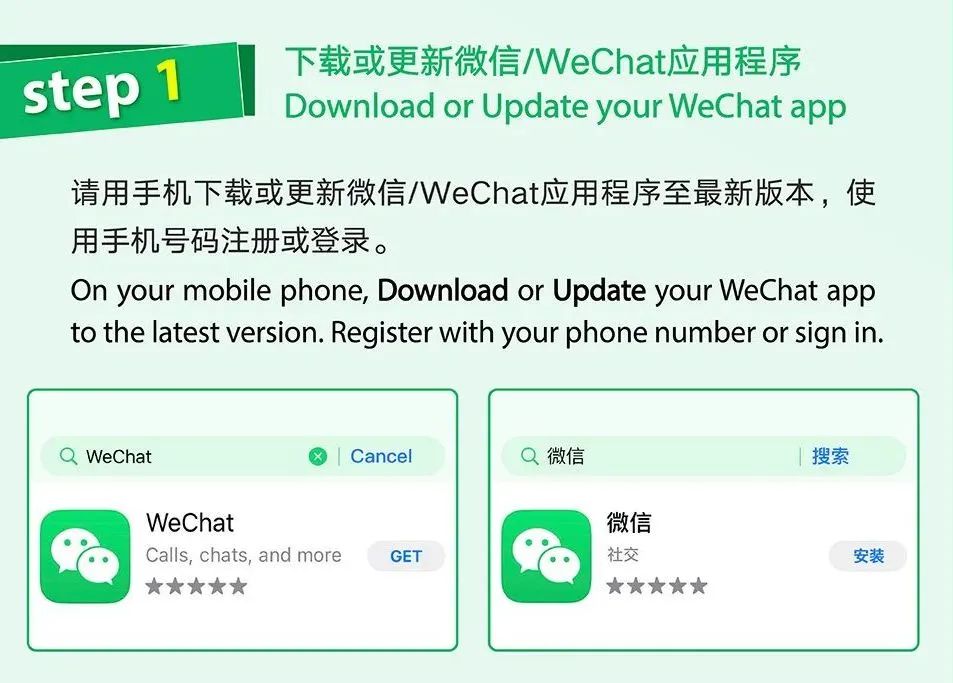
Download or update WeChat before departure, sign in with a reachable phone number, and confirm the account stays usable before opening payment settings.
2. Open Wallet
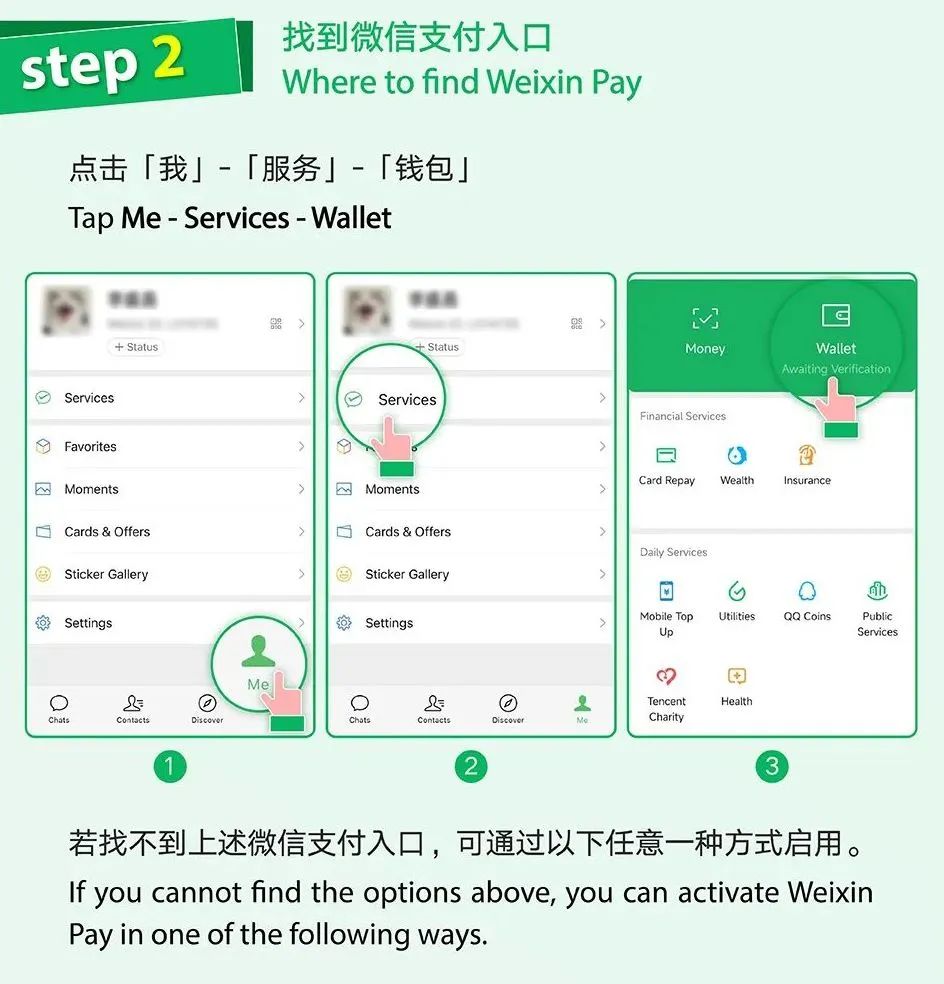
Use Me, Services, then Wallet.
If you do not see the Services or Wallet entry, compare your screen with the official enable path: Me, Settings, General, Tools, Weixin Pay, then Enable.
3. Add a card
Finish identity, agreement, card, and issuer prompts.
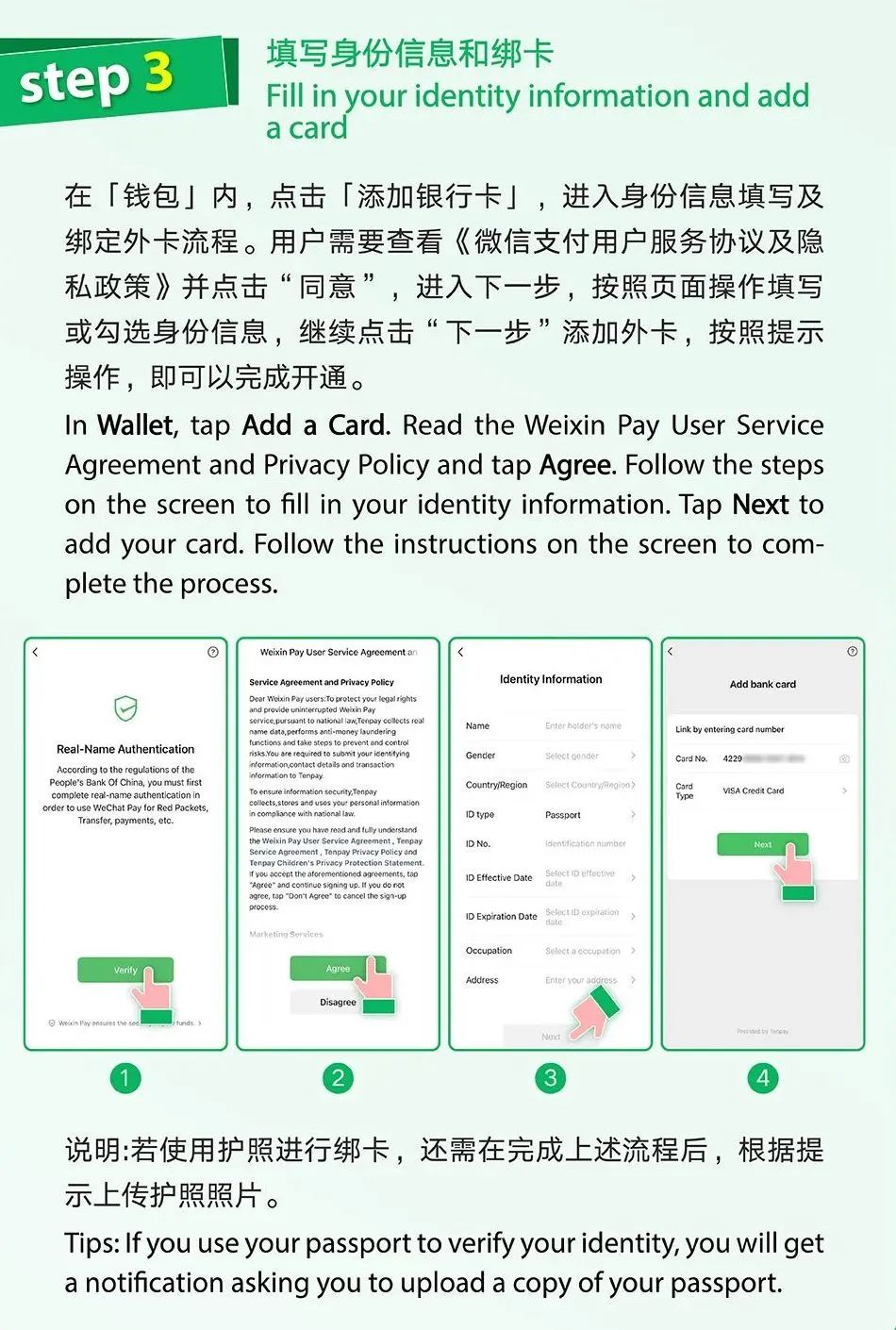
In Wallet, tap Add a Card and follow the identity, passport, card, SMS, issuer, and banking-app prompts. Complete this before travel if WeChat asks for verification.
4. Test payment modes
Learn both QR directions before a critical purchase.
Use Scan when the merchant shows a QR code. Use Money only when staff is ready to scan your one-time payment code. Mini Programs and in-app payments need separate low-risk tests.
Official Setup Aids
Official setup aids for Wallet access, identity prompts, and card linking
Use these visible aids while you complete the setup steps above. They are action support, not a second checklist.
Official guide
Download or update WeChat before payment setup.
Use your device app store or an official WeChat/Tencent path, then sign in with a phone number you can still verify during travel.
At The Counter
Pick the matching payment flow.
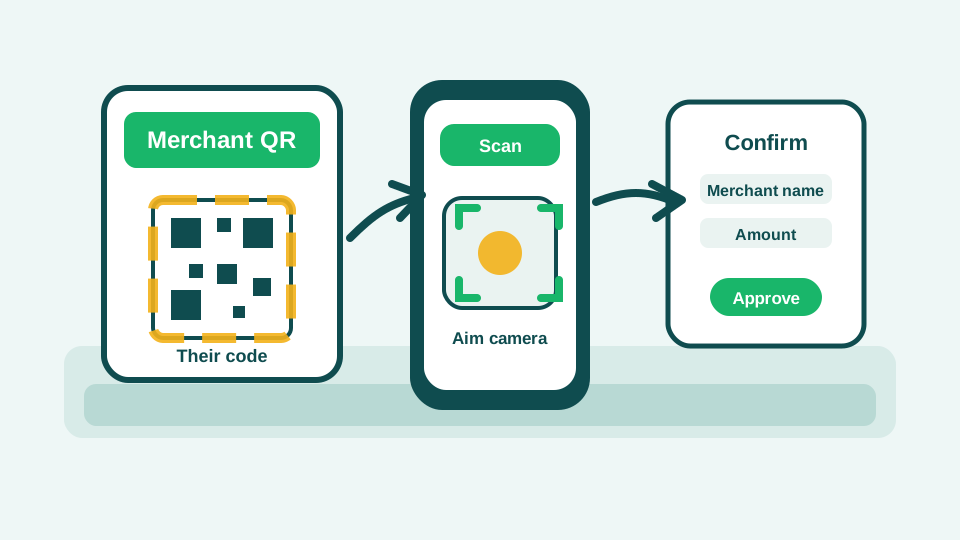
Scan their code
Use Scan when the merchant shows you a QR code.
Tap the plus sign in WeChat, choose Scan, scan the merchant-presented QR code, then check the merchant name and amount before approving.
Show the counter checklist
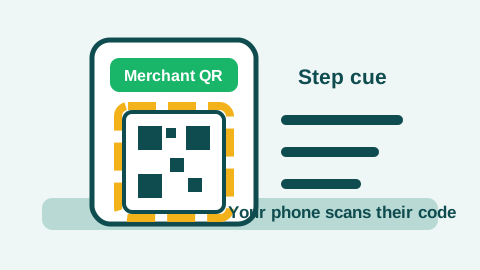
Choose this flow when the merchant presents a QR code. Step 1Find their QR code.Look for a QR code on a counter stand, table sticker, screen, receipt page, or taxi payment page. This is the flow where your phone scans their code.
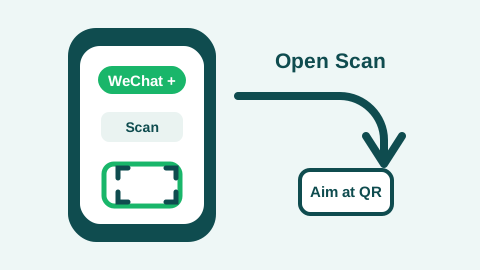
Your camera reads their code; do not show your payment code for this flow. Step 2Open Scan.Open WeChat, tap the plus sign, choose Scan, then aim at the merchant QR code. If the screen looks different, ask staff to point to the scan entry.
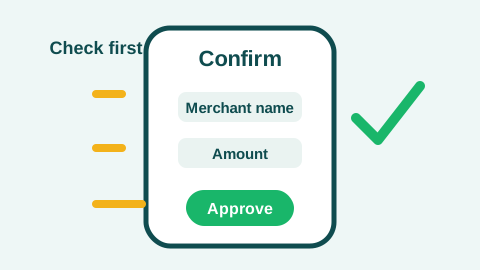
Approve only after the merchant and amount match the purchase. Step 3Check merchant and amount.Confirm the merchant and amount before you approve. If the code does not open the expected payment page, ask for another payment path instead of retrying in line.
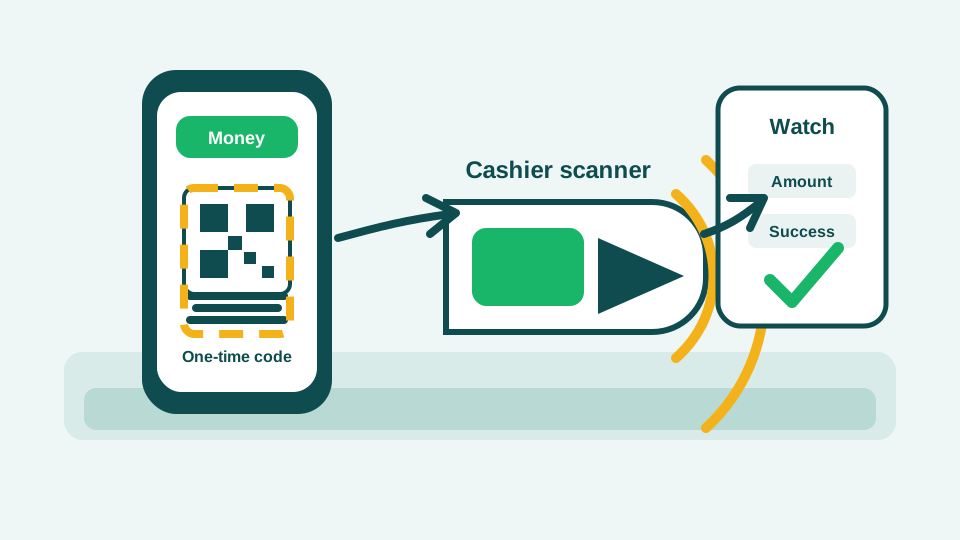
Let staff scan yours
Use Money when the cashier wants your payment code.
Tap the plus sign in WeChat, choose Money, and present your one-time payment code only when the cashier or scanner is ready. Put the phone away after payment.
Show the counter checklist
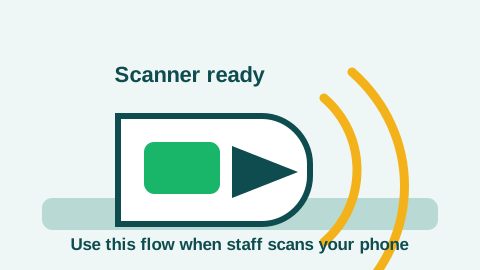
Choose this flow only when staff is ready to scan your phone. Step 1Look for the cashier scanner.Use this flow at staffed checkout lanes where the cashier has a handheld or fixed scanner and asks to scan your phone.
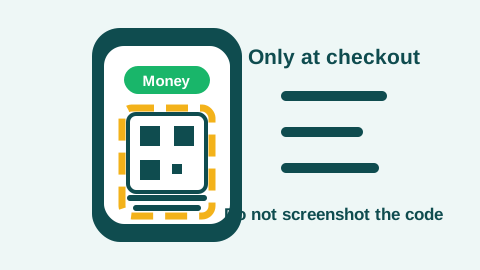
Keep the live payment code visible only during checkout. Step 2Open Money at checkout.Open the payment code from WeChat only at checkout. Do not screenshot or share a live payment code.
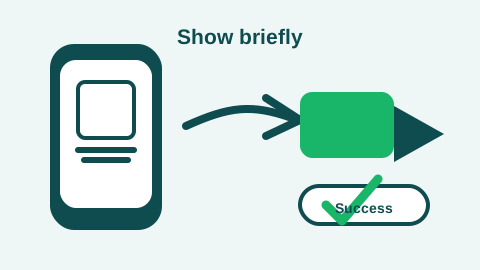
Show the code briefly, watch for success, then close the payment code. Step 3Show the code, then close it.Face the screen toward the scanner, watch the amount or confirmation, then put the phone away after the payment completes.
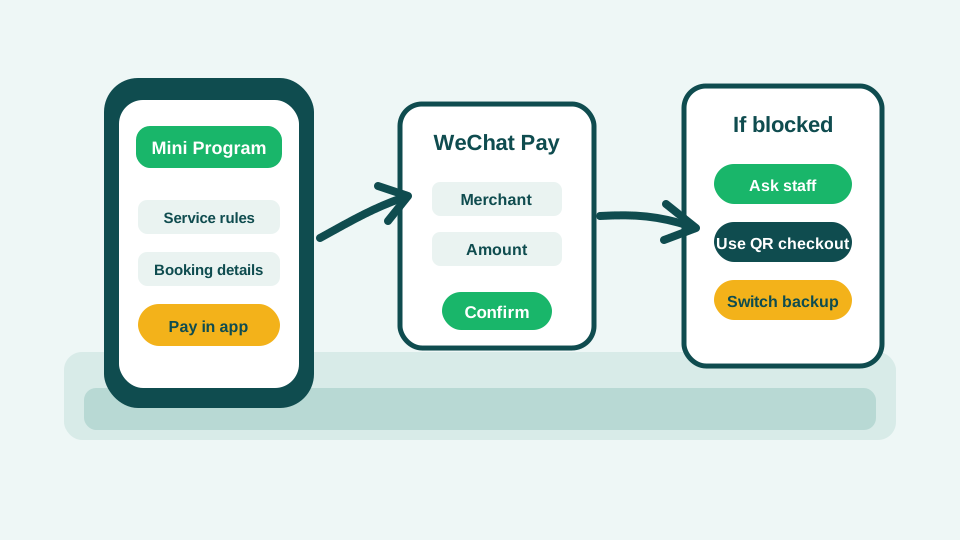
Mini Programs
Treat Mini Program payments as a separate test.
Weixin Pay can support Mini Programs and in-app payments, but those flows add service-specific account, language, booking, refund, and merchant rules. Test one non-urgent flow before using it for transport, tours, or timed bookings.
Show the counter checklist
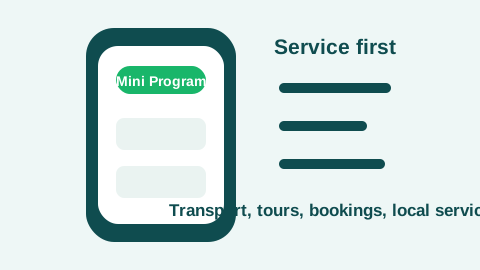
Start from the service screen, then check what that service is asking you to pay for. Step 1Open the service first.Mini Program payments usually start inside a transport, tour, booking, ticketing, merchant, or local-service screen, not at a simple counter QR code.
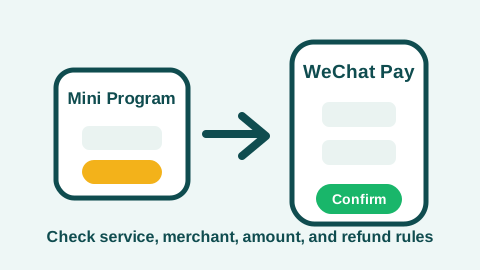
Mini Program checkout adds service rules before the wallet confirmation. Step 2Check service and amount.Confirm the service, merchant, amount, booking rules, language context, and refund path before you approve the WeChat Pay prompt.
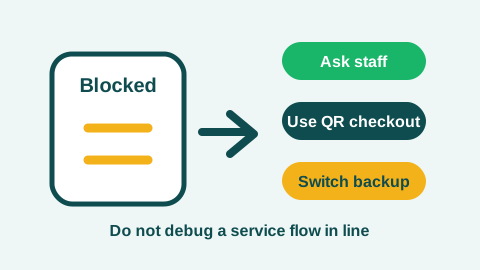
Treat a blocked Mini Program as a service-flow issue first, then switch paths. Step 3Switch to QR or backup.If the Mini Program rejects your account, card, language, document, refund, or booking state, ask staff for QR checkout or switch to Alipay, card, or cash.
If It Fails
Step aside, then switch the payment path.
- Check whether the problem is account login, payment access, identity verification, issuer approval, transaction limit, or merchant QR setup.
- If the card link fails, update WeChat, try another eligible card, then use Alipay while you solve the account issue.
- If a payment fails, look for bank-app approvals and WeChat security prompts before retrying the same card.
- Review the UnionPay Tour Card option inside Weixin Pay if you need a prepaid fallback, but complete the app flow before relying on it.
- For urgent purchases, switch to Alipay, another card, staff-assisted payment, or RMB cash instead of debugging in line.
Role and BoundaryWhere this wallet helps, and what it still cannot guarantee
Why It Matters
WeChat Pay is not just an emergency backup.
It can sit inside the same app you may use for messages, mini programs, bookings, tours, ride-hailing, and local service flows, so setup matters even if Alipay is your first wallet.
What It Helps With
It gives you a second mobile checkout path.
Use it for QR payments, staffed counters, small merchants, Mini Programs, and in-app services where your account, card, issuer, data, and merchant setup all approve.
Boundary
Account status and merchant flows still decide the result.
Login, Wallet visibility, identity checks, issuer approval, transaction limits, Mini Program rules, and merchant acceptance can differ from Alipay.
Useful For
- Dining
- Small merchants
- Street vendors
- Transport
- Shopping
- Hotels
- Mini programs
- In-app services and some ride-hailing flows
ReferencePayment test boundary, limits, support, and official sources
Payment Test
Do not use WeChat Pay as your only first-arrival payment path.
A successful card link is not the same as a guaranteed checkout. Confirm mobile data first, make one staffed low-value test payment after arrival, and keep Alipay, a second card, and small RMB cash ready for urgent purchases.
Use this page for Tencent customer-service numbers, broad merchant-network context, and tutorial links before travel.
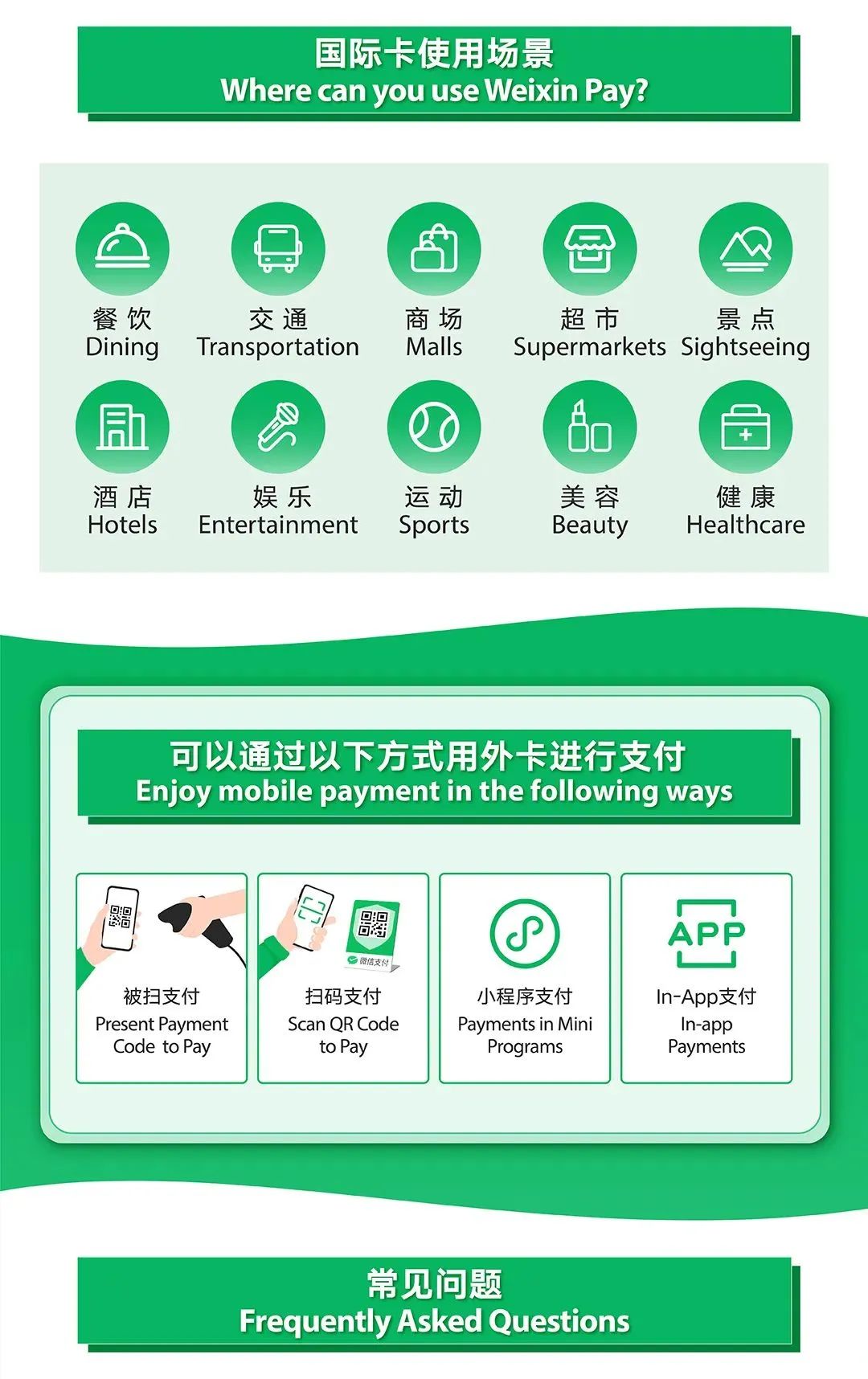
Use the official screenshot sequence to compare download, Wallet entry, identity, card, QR, Mini Program, limit, and support notes.
FeedbackDid this wallet runbook miss a setup step or failure path?Send a source, clarity, mobile layout, copy/save, or missing-case note without adding private travel or payment details.
Reference
Use these only when you need to verify or go deeper.
Source confidence and limits
Public-source verified. Reviewed against the listed government and Tencent sources for visitor payment setup, official visual setup screenshots, supported payment paths, service contacts, limits, and backup options. The guidance is useful for preparation but should not be treated as a guarantee that one card, app version, issuer, account status, or merchant scenario will work.
What still needs re-checking
- This guide includes official Beijing visual setup screenshots, but it does not include chinatripready-owned masked in-app setup screenshots.
- This guide does not include a recent failed-payment screenshot or issuer-decline test record.
- This guide does not include a card-network-by-country success matrix.
FAQ
Not always, but it is a valuable backup because many services, merchants, and mini programs are connected to WeChat.
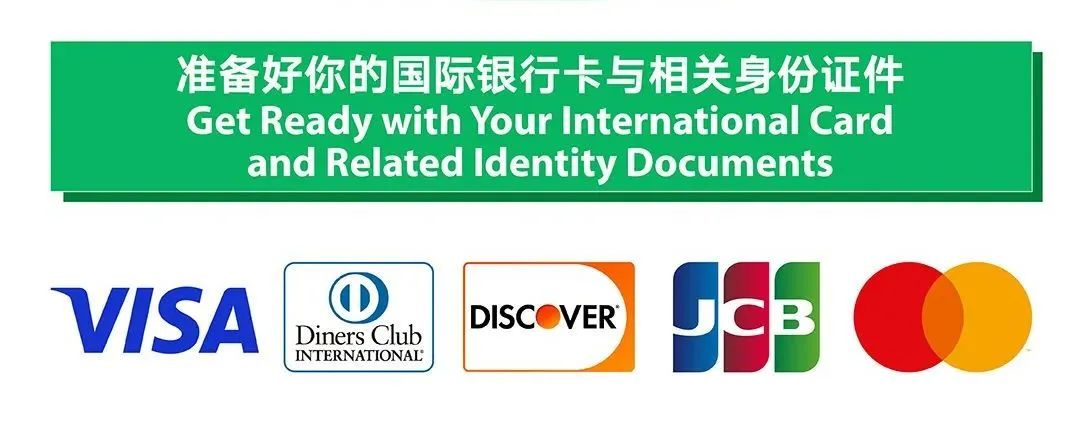
Tencent says overseas users can register or sign in with an overseas mobile number and link eligible international cards with Weixin Pay. Beijing official guidance currently lists Visa, Diners Club, Mastercard, and JCB for the Weixin Pay Add a Card flow, while Tencent separately describes collaboration with major international card organizations. Issuer approval and app prompts still decide the result.
Yes. Having both Alipay and WeChat Pay is safer than relying on one wallet.
Yes. Issuer approval, identity verification, app version, limits, merchant setup, account security, and data access can still block payment. Test a staffed small purchase before relying on it.
Use the Beijing official visual guide in the source list. It shows download or update, Me > Services > Wallet, enabling Weixin Pay, identity prompts, Add a Card, Scan QR Code to Pay, Present Payment Code to Pay, Mini Program payment, and common limits or support notes. Treat those screenshots as a reference because app wording, language, account status, and version can change.
No. It is also commonly used for messaging, local services, mini programs, and sometimes ride-hailing or mobility flows.
Tencent says verified international Weixin Pay users can access higher limits, with single transaction limits up to US$5,000 and annual limits up to US$50,000 after identity verification. Treat this as source guidance, not a promise for every account, issuer, app version, or merchant.
Tencent and Beijing official guidance list Weixin Pay customer service as 95017 in Mainland China and +86 571 95017 outside Mainland China. Save it before travel, but keep Alipay and cash ready for urgent payment moments.
Backup planning links
Sources
- Tencent - Welcome to China, easy pay with Weixin Pay checked 2026-05-16
- Tencent - digital payment services for visitors to China checked 2026-05-16
- Tencent - Weixin Pay enhances mobile payment experience for overseas users checked 2026-05-11
- Beijing Municipal Government - guide to add and use international cards with Weixin Pay checked 2026-05-16
- China Embassy in the UK - convenient payment services for foreign visitors checked 2026-05-16